
Running Your Business Should Be Easier
Many businesses still rely on outdated POS systems, manual processes, or disconnected tools. This makes it difficult to manage transactions, track inventory or services, and maintain accurate business data from one system.
Slow Checkout
Inventory Errors
System Disconnect
Limited Insights
Multi Store
Powerful Features for Your POS System
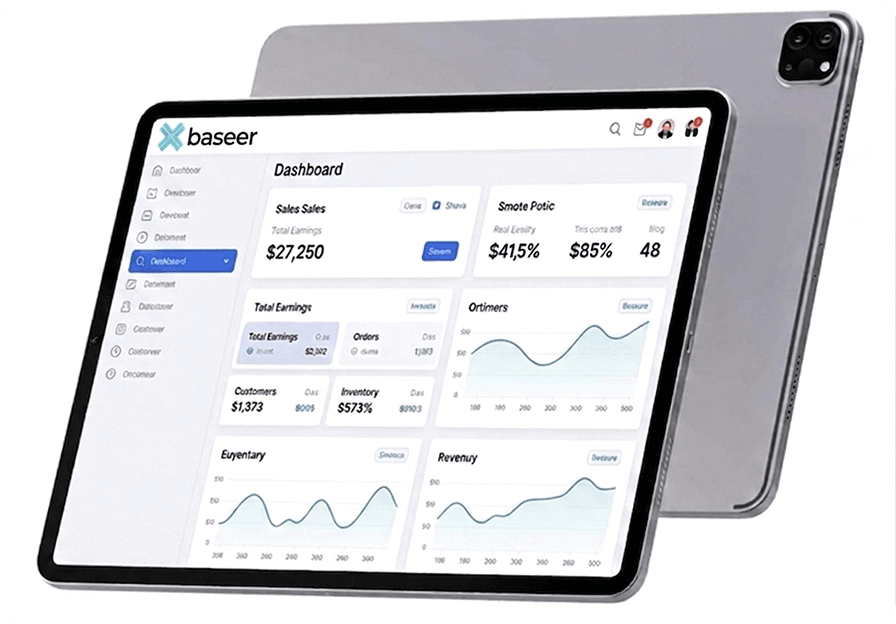
Baseer is a modern POS system (point of sale system) designed to help businesses manage sales, payments, inventory, and reporting from one easy-to-use platform. The POS software simplifies daily operations so stores can process transactions faster and track performance in real time.
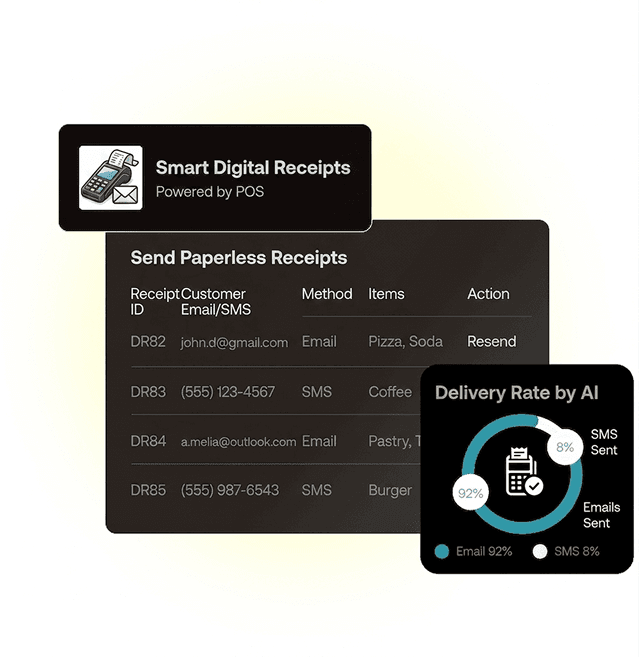
Smart Digital Receipts
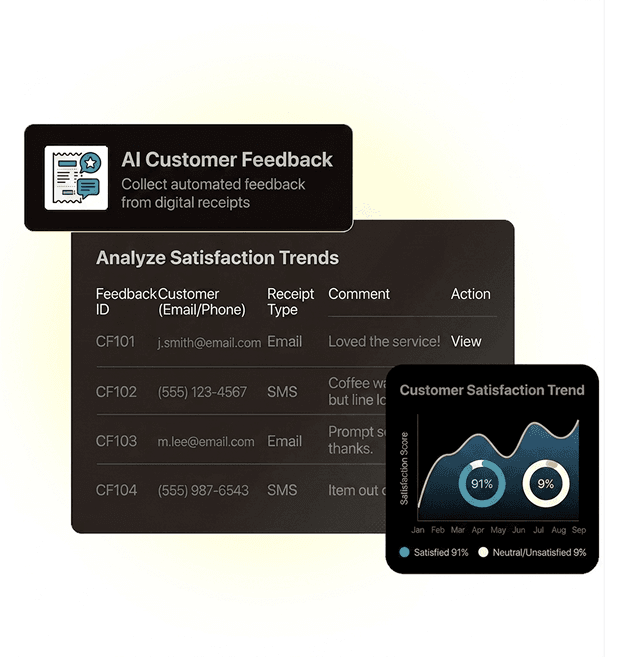
AI Customer Feedback
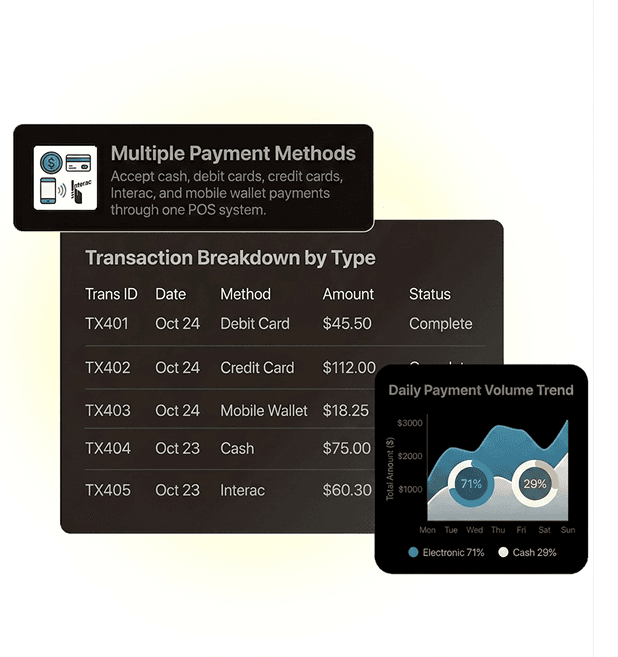
Multiple Payment Methods
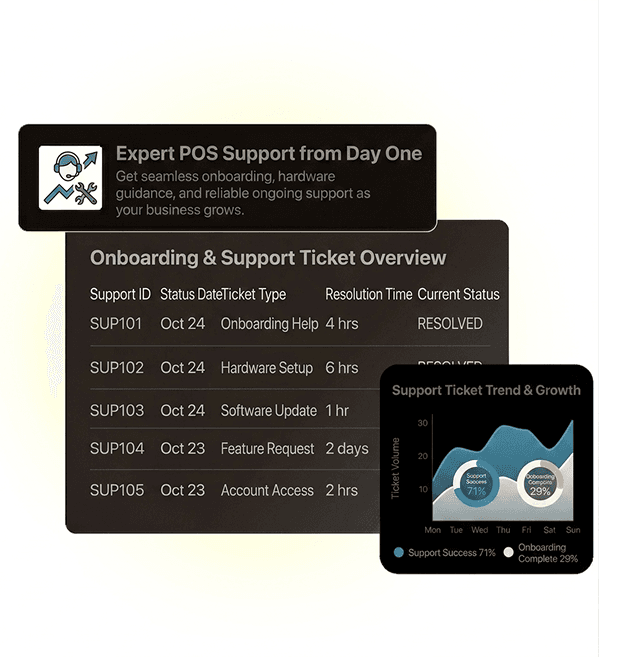
Expert POS Support from Day One
Smart Point of Sale System for Multi-Industry Businesses
- Retail POS
- Food POS
- Health & Beauty POS
- Automotive POS
- Service POS
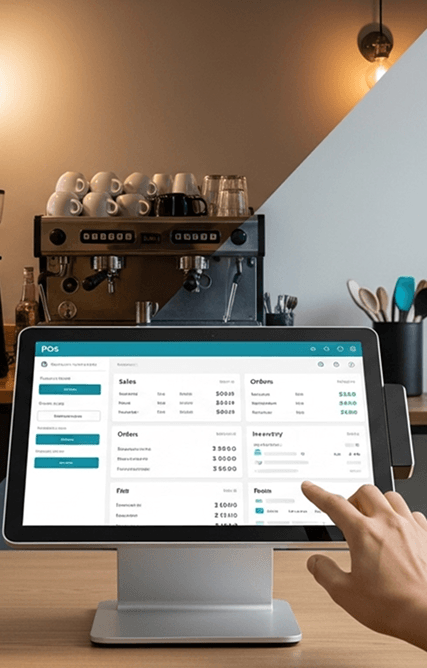
Smart POS for Modern Retail Operations
Multi‑Category Retail Support
Handle grocery stores, clothing shops, book, vape, gift, electronics, and specialty stores from a single retail POS built for modern multi‑category operations.
Central Product & Price Control
Maintain a master catalog for SKUs, prices, and promotions, then push updates to every branch, POS terminal, and connected grocery online store or clothing eCommerce website.
Real‑Time Inventory Management
Update stock levels automatically with every sale, return, or transfer, keeping inventory accurate across all locations and channels without manual adjustments or spreadsheets.
Fast Barcode‑Driven Checkout
Use barcode scanning, variants, and quick keys to keep queues moving during peak hours while reducing cashier errors and improving the overall in‑store checkout experience.
Comprehensive Retail Reporting
Analyze sales by store, category, and SKU to understand product performance and margins, informing decisions for your grocery delivery mobile app and clothing store mobile app.
Scalable Retail Solution
Start with a single store and expand to multiple branches without changing systems, keeping products, prices, and reporting consistent as your retail business grows.
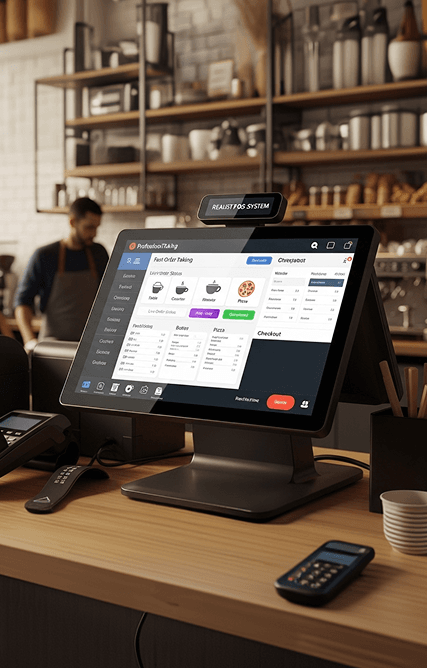
Fast, Flexible POS for Food & Beverage Service
Restaurant & QSR Workflows
Support full‑service restaurants, bakeries, cafes and coffee shops, pizza, and takeaway in one food POS designed for both dine‑in and off‑premise service.
Unified Ordering Interface
Manage table, counter, and quick‑service orders from the same interface, reducing training time and improving order accuracy for front‑of‑house teams.
Custom Menus, Modifiers & Combos
Configure recipes, modifiers, combos, and special instructions so every order is captured correctly, whether it comes from the dining room, counter, or digital channels.
Flexible Billing & Payments
Split bills by seat, item, or amount and accept multiple payment types on a single check, making it easier to handle groups and complex payments.
Menu Analytics & Performance
Track top dishes, slow movers, and daypart trends across your bakery online store website and cafe and coffee shop website to refine menus and pricing.
Kitchen & Mobile Connectivity
Route orders from POS to kitchen screens and sync with your bakery ordering mobile app or cafe and coffee shop mobile app for faster, more accurate preparation.
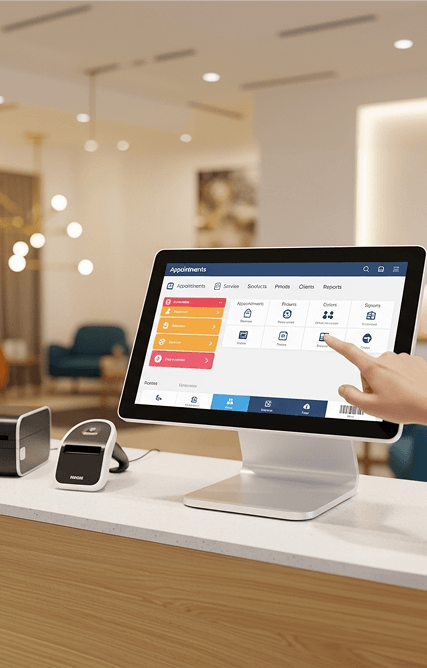
Service‑Focused POS for Salons, Spas, and Clinics
Salon & Spa‑Ready Workflows
Serve barbershops, beauty salons, spas, clinics, and wellness centers with a POS tailored to appointment‑based, service‑driven operations.
Linked Appointments & Services
Connect bookings, services, and retail products on a single ticket for each visit, integrated with your barbershop services website or beauty salon online booking website.
Staff Scheduling & Commissions
Manage chairs, rooms, schedules, and commission rules directly inside the POS to simplify staffing, payroll, and performance tracking for every team member.
Client Profiles & Visit History
Store visit history, formulas, preferences, and notes securely so you can personalize each appointment and access details via your barbershop booking mobile app.
Memberships, Packages & Prepaid
Sell and track memberships, packages, and prepaid services without manual logs, connecting them seamlessly to your beauty salon appointment app and front‑desk workflows.
Service & Retail Analytics
Report on revenue by staff member, service type, and product line to guide promotions, staffing, and upsell strategies across in‑store and online channels.
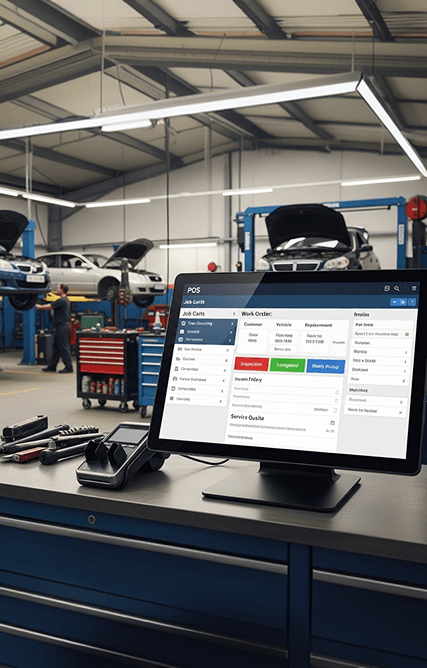
Job‑Ready POS for Tyre Shops and Auto Repair
Workshop‑Focused POS Workflows
Support tyre shops, auto repair centers, and garages with workflows designed around jobs, bays, diagnostics, and repeat service visits.
Jobs, Labour & Parts on One Ticket
Combine diagnostics, labour lines, and parts into a single invoice, simplifying billing and keeping every job clearly documented from estimate to completion.
Parts Inventory & Stock Control
Track parts usage and stock levels directly from the POS so technicians always know what is available and purchasing stays under control.
Vehicle & Customer Records
Maintain detailed vehicle profiles, service history, and recommendations that help you drive repeat visits through your tyre shop online store and follow‑ups.
Estimate to Invoice Workflow
Create estimates, capture approvals, and convert them into final invoices without re‑entering data, speeding up the service‑to‑payment process.
Profitability by Job & Technician
Analyze margin by job type, technician, or location, with insights accessible from your tyre shop mobile app to refine pricing and staffing.
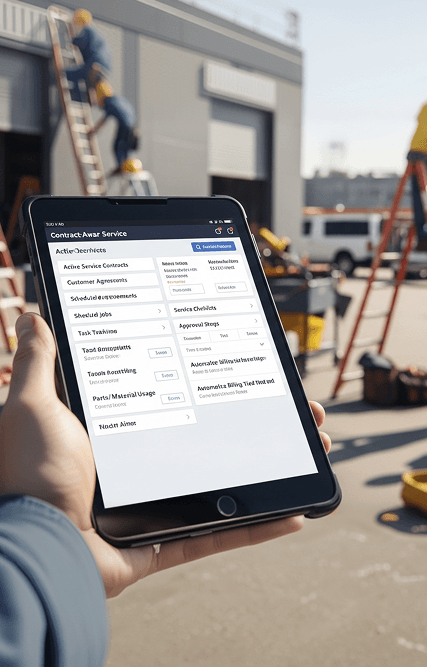
Contract‑Aware POS for Field and Service Businesses
Service‑Centric POS Workflows
Designed for cleaning services, pet services, maintenance, and other field‑based operations that rely on scheduled visits.
Recurring & One‑Off Scheduling
Set up recurring visits and one‑time jobs, with each appointment linked automatically to POS billing and service history for that client.
Contract, Package & Entitlement
Manage service contracts, packages, and entitlements in one place instead of external spreadsheets, keeping usage and renewals under control.
Accurate Billing & Payments
Record all charges, discounts, and payments within the POS so client statements are clear, consistent, and easy to reconcile.
Crew, Route & Performance Tracking
Monitor productivity and revenue by crew, route, or region, supported by your cleaning services mobile app and pet services mobile app.
Complete Service History & Notes
Keep a centralized history of work performed, notes, issues, and outcomes, integrated with your cleaning services website or pet services website to support renewals and upsell.
One Platform for More Than POS
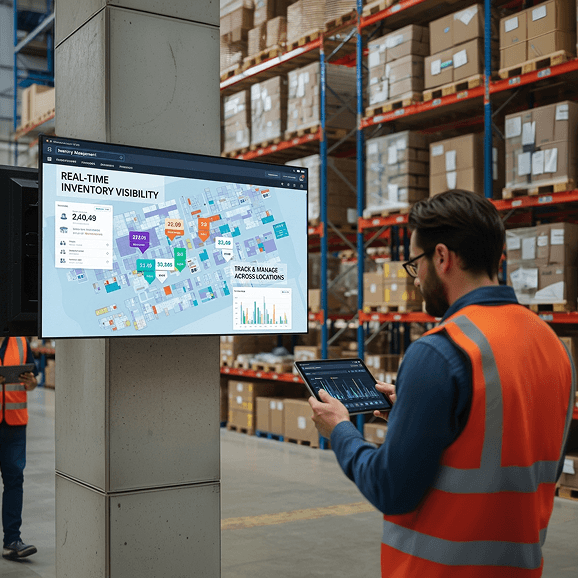
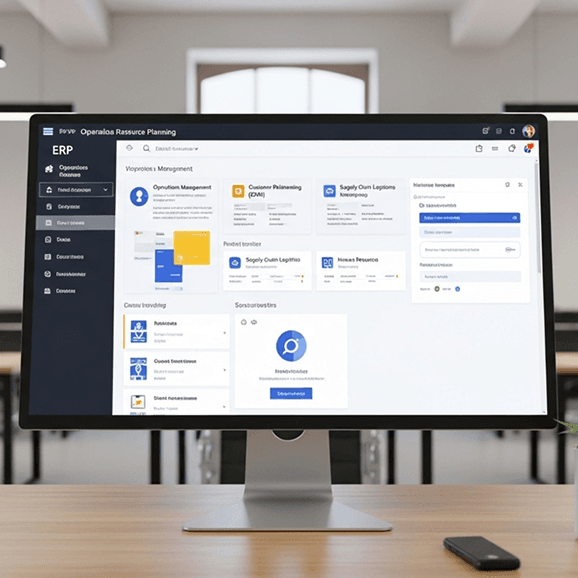
Baseer POS is part of a unified platform that connects your ecommerce store, mobile app, warehouse management, and ERP into one system. Manage sales, inventory, customers, and operations seamlessly while everything stays synced in real time across every channel.
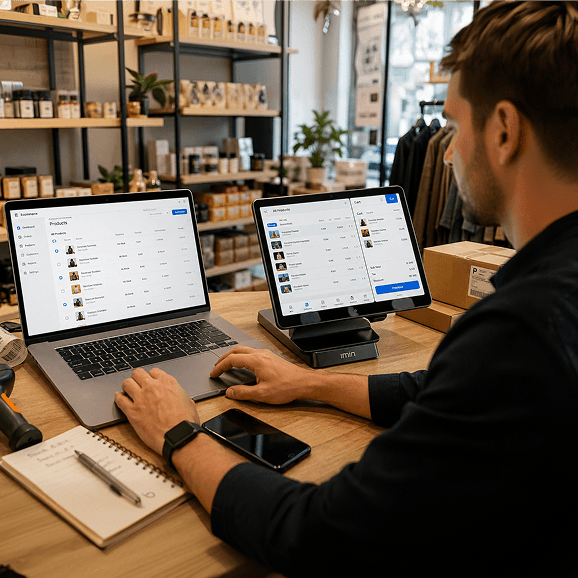
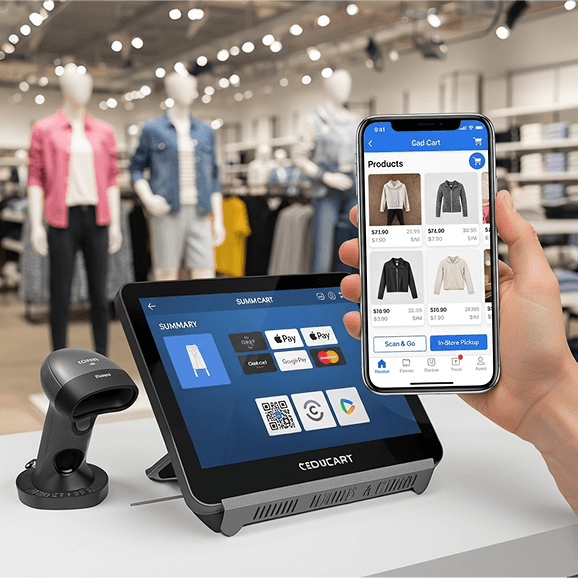
Built for Modern Retail Businesses
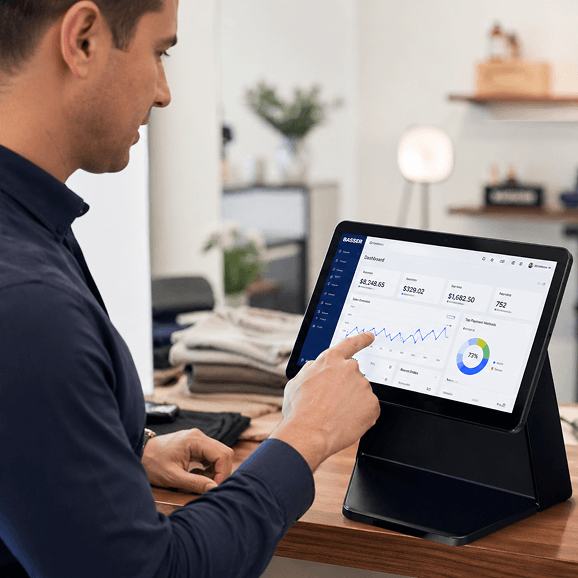
Baseer POS is designed to help businesses run faster, smarter, and more efficiently. By combining powerful POS software with real-time inventory, reporting, and cloud access, it gives businesses full control over their daily operations.
Key Strengths
Get StartedA Secure POS System You Can Trust
Baseer is a cloud-based POS system designed to keep your business data safe while giving you full control over your operations. The point of sale system protects sales transactions, customer information, and business data so you can run your store with confidence.
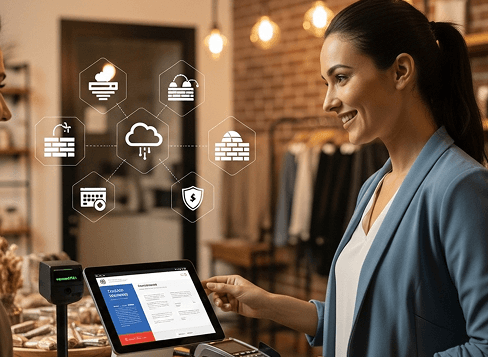
Role-Based Access & Multi-Store Control
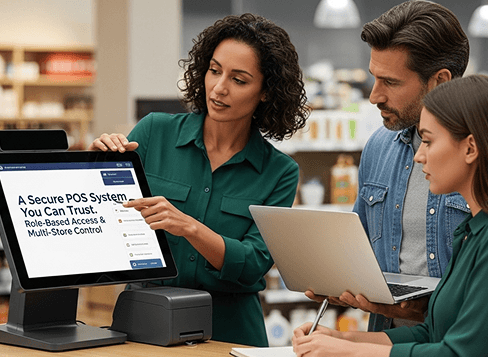
Secure Cloud POS Infrastructure & Payment Protection
Reliable Performance for High-Volume Stores
Frequently Asked Questions
A POS system (Point of Sale system) is the technology businesses use to process sales and accept payments. It records transactions, updates inventory, and helps track business performance. Platforms like Baseer POS also connect sales, inventory, and customer data in one system.
POS stands for Point of Sale, the place where a customer completes a purchase. This could be a store checkout counter, restaurant register, or an online checkout page.
A point of sale system records each transaction when a product is sold. It calculates the total, processes the payment, and updates inventory automatically so businesses always know their stock levels.
A POS machine or POS terminal is the device used to complete transactions at checkout. It may include a touchscreen, barcode scanner, receipt printer, and card reader connected to the POS software.
Yes. Modern POS software automatically updates inventory whenever a sale or return happens. This helps businesses avoid stock errors and manage products more efficiently.
Yes. Many modern cloud POS systems allow businesses to manage multiple stores or locations while keeping products, prices, and inventory synchronized.
POS systems are used by many types of businesses, including retail stores, restaurants, cafés, salons, automotive businesses, and service companies.